How to Create Training Videos That Will Have the Biggest Impact on New Hires
Training videos for new hires are one of the fastest ways tostandardize onboarding, reduce questions, and make people feel confidentwalking in on day one. Done well, they answer all the “I don’t want to buganyone” questions while reinforcing your culture.
Why New‑Hire Training Videos Matter
Training videos let new hires learn on demand, at their own pace, without pulling a manager off the floor every time someone starts. They also ensure every employee hears the same message, the same way, every time.When you cover logistics, expectations, and culture clearly on video, new staff show up less anxious and ramp faster because they already know what “good”looks like.
Do’s: What To Do When Filming
- Do start with the basics. Include where to park,how to enter the building, where to check in, what to wear, and any safety gearthey’ll need on day one.
- Do set clear expectations. Walk through what thefirst day, first week, and first month will look like: schedule, trainingmilestones, who they report to, and what success looks like at each stage.
- Do keep it short and focused. Aim for shortmodules (3–7 minutes) on specific topics instead of one long 45‑minutevideo that no one remembers.
- Do script the key points. You don’t need a word‑for‑wordscript, but you should outline the main message, examples, and call‑to‑actionfor each video so you don’t ramble.
- Do show real locations and real people. Film inthe actual workspace and feature supervisors, trainers, and peers so new hirescan recognize faces and spaces when they arrive.
- Do think “micro‑lessons.” One video for parkingand arrival, one for timekeeping and payroll, one for safety, one for customerinteraction, etc. Short, bingeable pieces get watched and retained.

Creating a great first day of work experience is easy, so long as you have set the employee up to succeed.
Don’ts: Common Mistakes To Avoid
- Don’t try to cover everything in one video.Overstuffed videos cause people to tune out; break topics into logical chunksthey can revisit when needed.
- Don’t talk like a policy manual. Avoid jargonand legalese; use clear, conversational language that feels like a managerwalking them through their first day.
- Don’t ignore audio and lighting. Bad sound ordark video makes even great content unwatchable; prioritize clear audio andsimple, even lighting over fancy visuals.
- Don’t wing it in one take. Do a quick testrecording, watch it back, and fix obvious issues (noise, cluttered background,confusing instructions) before filming the “real” version.
- Don’t forget to update. Procedures, policies,and layouts change; schedule periodic reviews so you’re not onboarding newhires with outdated directions or wrong information.

Companies with strong onboarding improve new hire retention by about 82% versus those with poor or no onboarding.
What To Include: First Day / Week / Month
Think of your content from the perspective of a nervous new hire who doesn’t want to look foolish.
First day essentials
- How to get there: parking, public transit tips, where to enter, and what to do if they arrive early or late.
- Dress code and gear: what “appropriate” lookslike, what the company provides, and anything they should bring (ID, licenses,water bottle, lunch, etc.).
- First‑day flow: who will greet them,what orientation looks like, breaks, lunch, and when they’re likely to headhome.
First week
- Who’s who: short introductions to key leaders, supervisors, and support staff, plus how to reach them with questions.
- Tools and systems: simple walkthroughs of timekeeping, communication tools, incident reporting, and any job‑specific software.
- Safety and standards: must‑know safety rules, non‑negotiable procedures, and how to report issues or get help.
First month
- Performance expectations: what they should be able to do independently by the end of week one, week two, and the first month.
- Culture and values: how your values show up in day‑to‑day decisions, customer interactions, and teamwork.
- Growth path: how training continues after onboarding, opportunities to advance, and how they can take ownership of their development.
Just drop your videos into YouTube and you are off to the races. Each of these can be its own short video or mini‑series inside your onboarding flow, complete with quiz if you’d like.
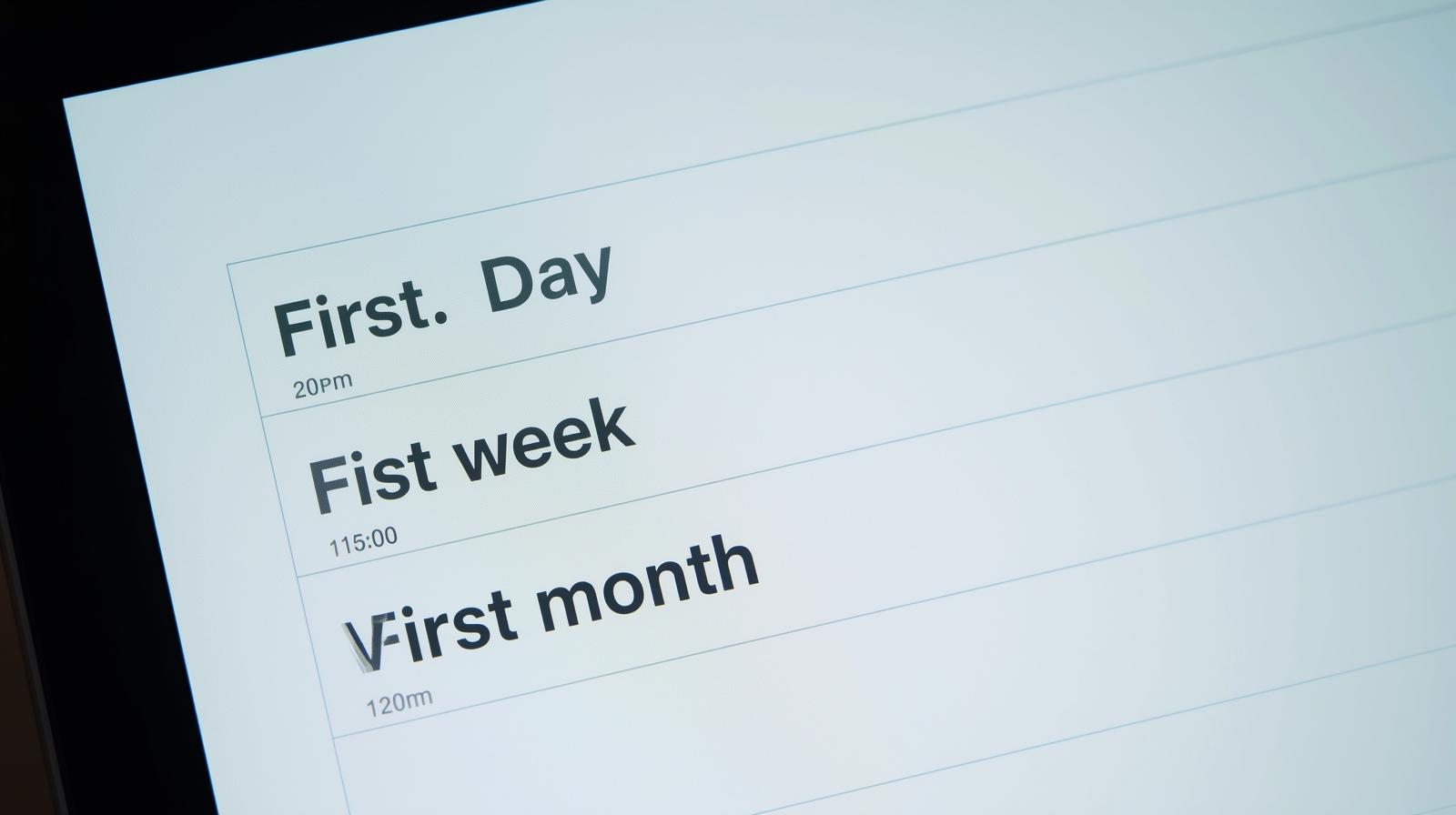
The imporant milestones... first day, week and month.
Simple Gear And Editing: Keep It Lightweight
You don’t need a production crew. For most teams, “good enough” video that is clear and authentic beats “perfect” video that never getsfinished.
Equipment
- Camera: a recent smartphone with a decent camera is usually enough.
- Audio: use a simple wired or wireless lapel mic to avoid echo and background noise.
- Stabilization: a basic tripod or phone mount to keep the picture steady.
- Lighting: natural light from a window or a simple ring light/softbox aimed at the speaker’s face.
Easy editing tools
- Entry‑level editors: tools like iMovie(Mac), Clip champ (Windows), or basic mobile editors work well for trimming, adding titles, and simple transitions.
- Screen recording: built‑in screen recorders or simple apps are perfect for showing software and systems.
- Captions and overlays: add on‑screen text for key steps, labels for locations, and simple chapter titles so people can quickly find what they need.
The goal is not Hollywood quality; it is clarity. If the viewer can easily see, hear, and follow the instructions, the video is doing its job.
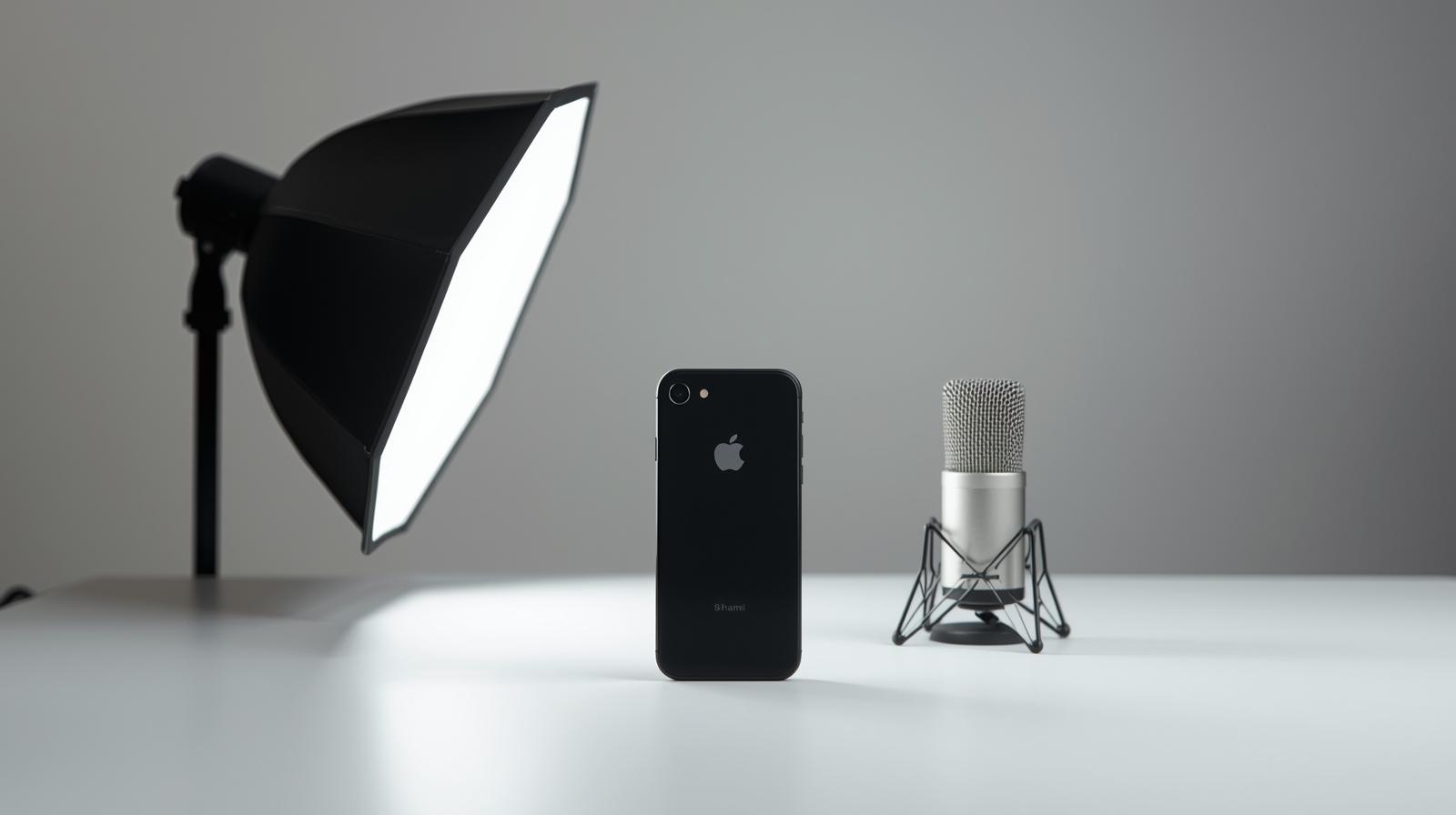
It doesn't take make to produce important training content.
When you combine thoughtful, practical training videos withan automated onboarding platform like Onboard360, new hires arrive prepared,managers save time, and the experience feels intentional instead of chaotic.